

1
Request your widget script
Contact the PastaHR team at support@pastahr.com to request your organisation’s widget script. PastaHR provides a snippet with your unique
ORGANISATION_TOKEN:2
Customise branding (optional)
If you’d like the widget to match your brand, send PastaHR your primary colour (HEX), accent colour (HEX), subtitle colour (HEX), and a link to your logo. PastaHR applies the branding to your widget.
3
Add the script to your careers page
Paste the provided script inside the
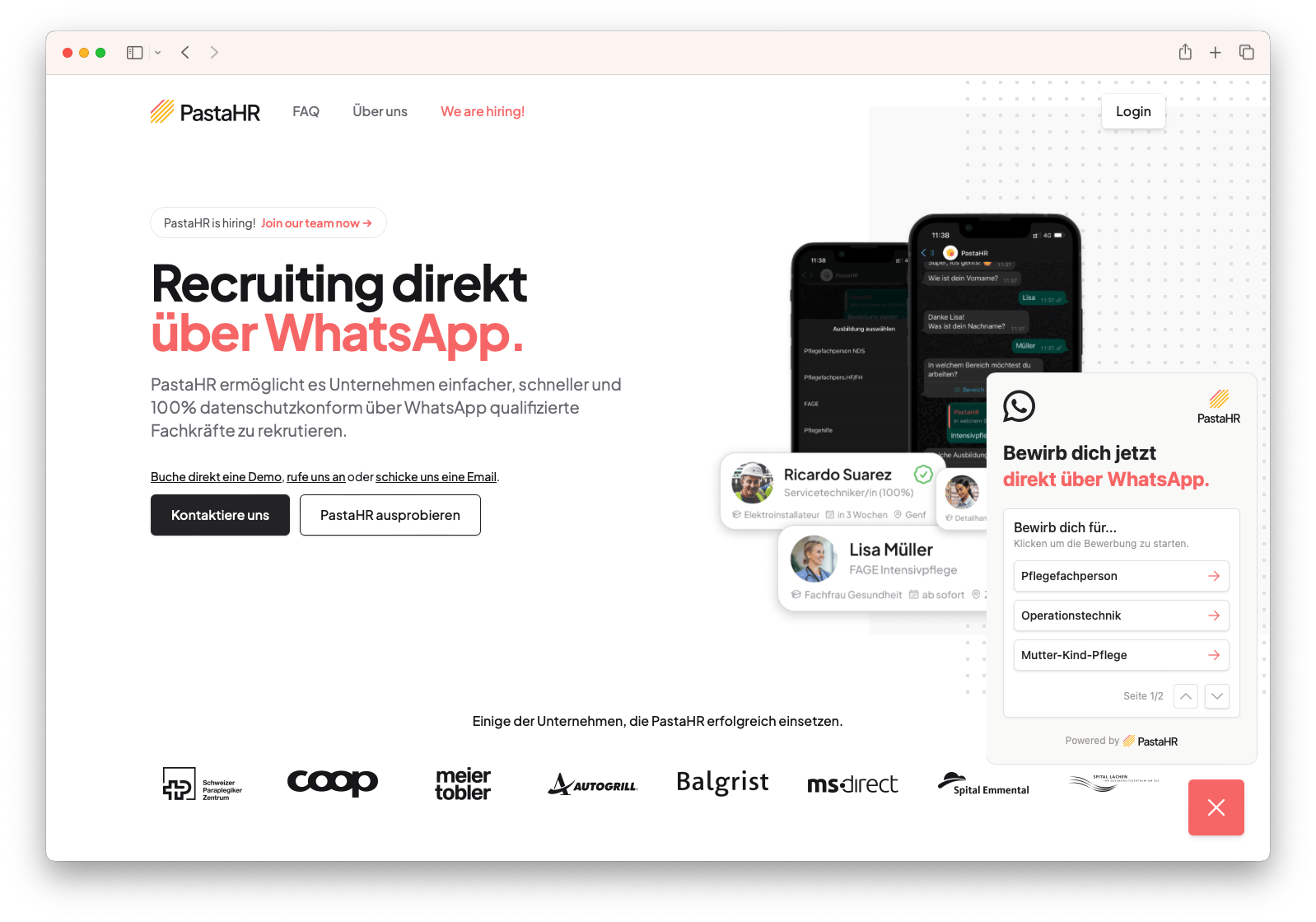
<body> of the careers page template. The widget renders in the bottom-right corner of the page and lists all available application links for your open jobs.4
Publish your page
Once the script is embedded and the page is published live, the widget automatically displays your open jobs with WhatsApp application links.